How do I edit my wine club order?
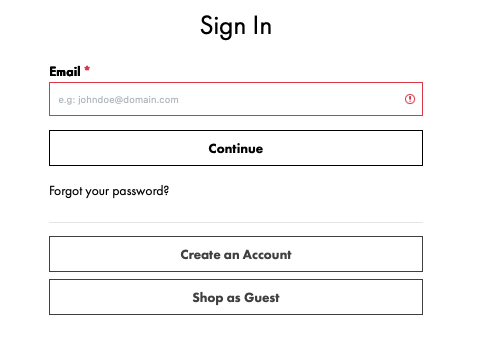
1) Log into your account at:
2) Once logged in, scroll down to Wine Club Membership (2nd box) and click “Edit Club Order”

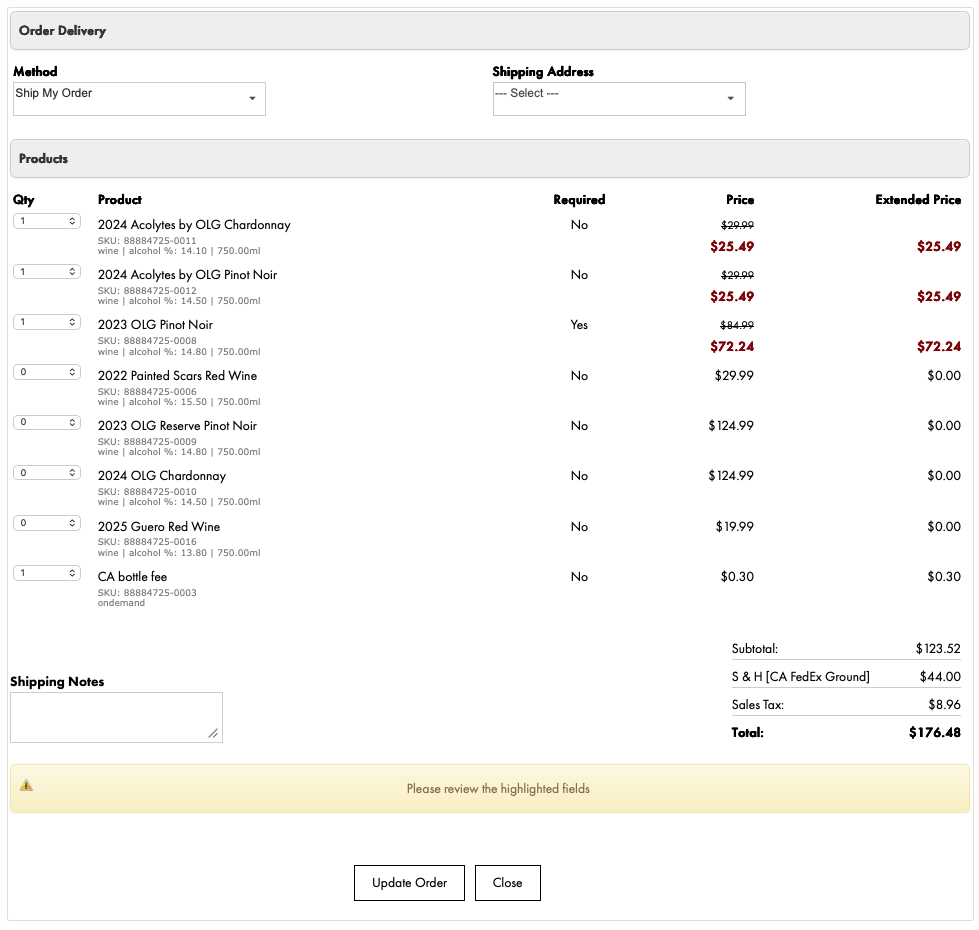
3) Editing your Club Order
Check to make sure your Shipping Address is selected and correct. If you need to make any changes, go back to your account page and under “Shipping Address” select “Change”. Add your new shipping address, then go back to “Edit Club Order”, and select your newly added address.
Make any changes to the quantity or selection of wines. Note, some wines are required (see “Required” column). Discounts will be reflected in the “Price” column. Promotional pricing and discounts will only be shown if a quantity has been selected of a given product.
Make your quantity and selection adjustments, then click at the bottom, “Update Order”. Your order will be updated with the new pricing. Once updated, select “Close”.
No further action is necessary. On the allocation close date, your updated club allocation order will be placed.